UIF Payments Status Check Using Your ID Number
Your claim was approved, or you believe it was — but the money has not arrived. A UIF payments status check using your ID number is how you find out what has happened to the payment itself, rather than to the claim as a whole. This guide explains what your ID number can and cannot do, the three official ways to check a payment, what each result means, and what to do when a payment is missing.
The quick answer: your ID number identifies you — it is not a lookup on its own
Your 13-digit South African ID number is the main identifier on the UIF system. Contributions, claims and payments are all linked to it. But there is no public page where you can type an ID number into a box, without logging in, and see a payment. That is by design: payment information is personal, and the UIF does not publish it to anyone who types in a number.
So a payments status check using your ID number works like this in practice:
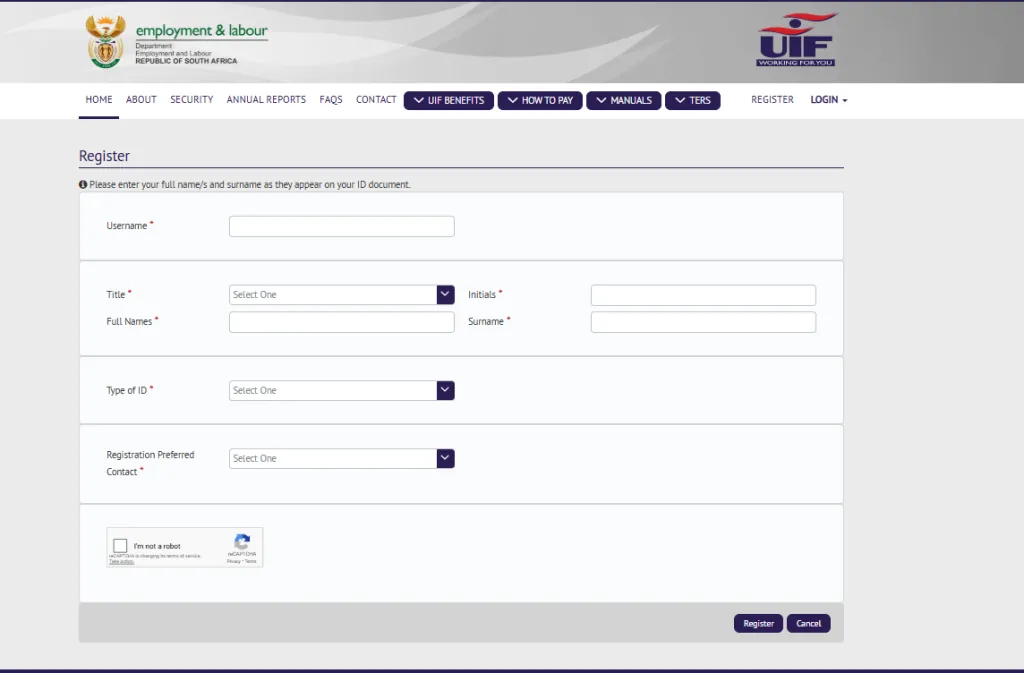
- Online: you log in to UIF Online with your account, and your ID number is part of how the system knows it is you. Once logged in, you open your claim and look at its payment information.
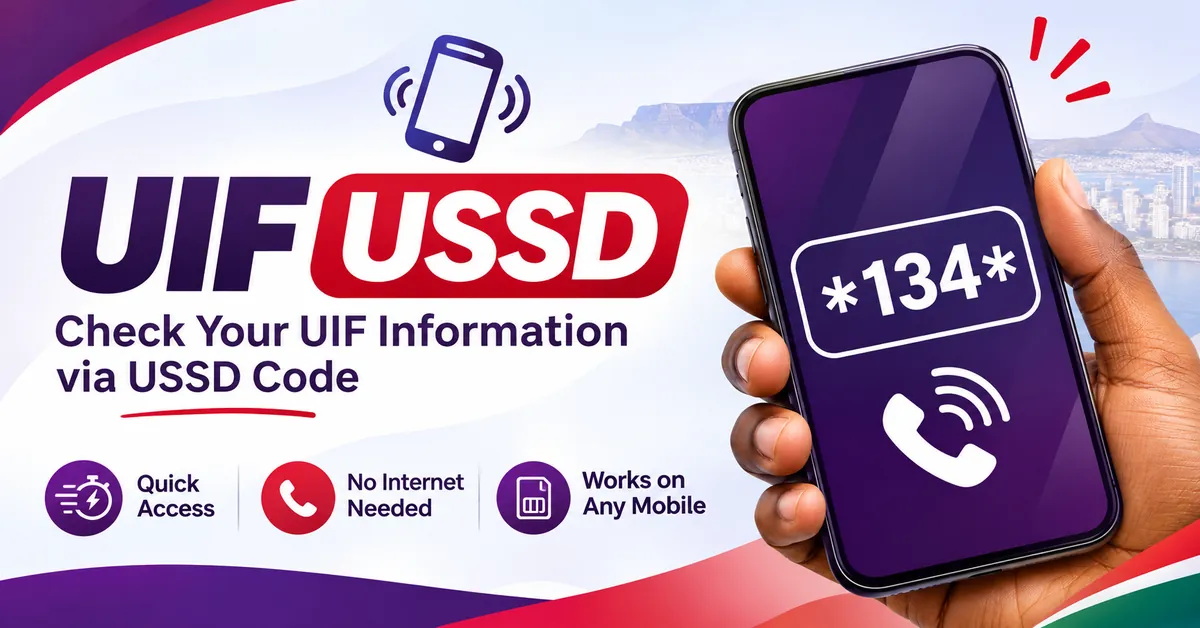
- By USSD: you dial *134*843# and enter your ID number when the menu asks for it.
- By phone: you call the UIF call centre on 0800 030 007 and give your ID number, with your claim reference number if you have it, so the consultant can look up your record.
Any website that promises to show your UIF payment after you type in your ID number — especially one that asks for payment, or for your password or banking details — is not an official service. Close it and use one of the three routes above.
UIF Payment Status Checker
GuideA claim status and a payment status are not the same thing — a claim can be approved while its payment is still being processed. If a payment shows as made but nothing arrived, check the bank details on your claim first, then your bank, then the call centre.
Before you check: what you need
- Your 13-digit South African ID number, entered slowly and checked digit by digit.
- Your UIF Online login details, if you are checking online (username or ID number, and password).
- Your claim or case reference number, if you have one. It is very useful on the phone, and it helps the call centre find the right payment without delay.
- The bank account details the UIF has on record for your claim. You cannot check these from outside the system, but knowing which account the payment should go to helps you spot the problem quickly — a payment sent to an old or closed account is a common cause of "approved but not paid".
If you have changed your bank account since you applied, check the account details shown on your claim before you conclude that the payment is late. A payment sent to the wrong account is not a delayed payment, and it needs a different fix.
How to check your UIF payment status using your ID number
Method 1: UIF Online
This is the fullest check, because it shows your claim and its payment information together.
- Type
uifonline.labour.gov.zainto your browser yourself. Do not follow a link from a search advert or a message. - Log in with your UIF Online account. Your ID number is the identifier the account is built around.
- Open your claim from your dashboard and look for its payment information or payment history. Read any notes attached to the claim, not just the headline status.
- Note exactly what you see — the payment position, the date you checked, and your reference number — before you phone anyone about it.
Employee benefit claims are tracked on UIF Online since the old uFiling employee claims portal closed on 20 May 2026. If you are still trying to check a payment on uFiling, you are looking in the wrong place.
Method 2: USSD on your phone
Dial *134*843# from any cellphone. The service is reported as free and as working without mobile data or a smartphone. Follow the menu, choose the claim or payment status option, and enter your ID number when asked. USSD gives you a basic payment position — it cannot show you full payment history or let you change banking details. If it cannot find your claim, check on UIF Online or call the call centre rather than assuming no payment exists. The USSD service dates from before UIF Online, and claims that moved systems can be the ones it struggles with.
Method 3: UIF call centre
Call 0800 030 007 and have your ID number and claim reference ready. The number is widely reported as toll-free, and its hours are reported as weekdays 07:30 to 16:00 — confirm the hours when you call. The call centre is the right route when the online result is unclear, when a payment shows as made but nothing has arrived, or when you need to know what is holding a specific payment. Expect identity questions before the consultant discusses your payment.
What your payment result means
No payment is shown yet
Your claim may still be under assessment, or it may be approved with the payment still to be processed. A payment is not made the moment a claim is approved — approval and payment are separate steps. If no payment is shown, first check the claim itself: is anything outstanding, such as a document or a confirmation the claim is waiting for? That is usually the reason a payment has not started.
Payment in progress
A payment is being processed. This is not a promise about which day the money will reach your account, and this guide does not state a number of days, because processing times vary by claim and are not published as a fixed figure. If a payment stays in this position for a long time, contact the call centre and ask about that specific payment, with your reference number ready.
Paid
The payment has been sent to the bank account on record. If the money is not in your account, check the following in order: the bank account details on your claim, whether the account is still open and in your name, and then your bank. Payments go to the account the UIF holds — if that account has changed or closed, the money may have gone to the wrong place or bounced back, and the call centre will need to know.
Nothing is shown, and your claim is not approved
There is no payment to check yet. A payment status check cannot move a claim forward. Go back to the claim status itself, find out what is outstanding or why the claim was not approved, and deal with that first.
Your ID number is not recognised
Do not keep re-entering the same number on different websites. First, check the number itself — one wrong digit is the usual cause. Then check that you are on the correct system: an employee claim lives on UIF Online, not on uFiling's old claims pages. If the number is correct and the claim still cannot be found, contact the call centre with your ID number and any reference number from your original application, and ask them to confirm where the claim is recorded. Claims submitted on the old uFiling portal before it closed on 20 May 2026 were moved to UIF Online, according to the Department, so a missing claim is a question to ask the call centre — not a reason to submit a second claim.
Approved but not paid: the checks that matter
"Approved but not paid" is the most common payment complaint, and it usually has one of a small number of causes. Work through them before you assume the payment is lost.
- Banking details. Is the account on your claim the account you actually use, still open, and in your name? This is the first thing to verify, and it is the cause you can fix fastest.
- Outstanding items. Is the claim asking for a document, a form, or a regular confirmation that has not been supplied? Some benefit claims ask you to confirm, at intervals, that you are still eligible. If such a request is unanswered, payments can pause.
- The claim's own notes. Read every note on the claim. A short status label often hides the real reason — for example, that the UIF is waiting for employer information.
- The right system. Confirm you are checking UIF Online. A payment will not appear on the old uFiling claims pages.
- A direct question to the call centre. If none of the above explains it, phone with your ID number, reference number and the exact wording you saw online, and ask what is holding that specific payment. Ask what the next step is and note the answer.
Do not pay anyone who promises to release your payment, and do not submit a second claim to try to get the money faster. A duplicate claim can create confusion about which application is the real one.
Payment dates: what this guide will not tell you
You will see many websites publishing UIF payment dates. This guide does not, because the UIF does not publish a fixed payment date for individual claims. Your payment depends on your claim being approved, your details being correct, and the payment being processed — and the only reliable source for the date of your payment is your own claim record on UIF Online or the call centre. Anyone who gives you a date for your payment without looking at your claim is guessing.
Staying safe while you check a payment
Checking a payment is free on every official channel. Never pay a person or a website to check it, release it, or speed it up. Never share your UIF Online password, a one-time code, or your full banking details with someone who contacts you about your payment. Be especially suspicious of messages claiming your UIF payment is ready if you click a link, pay a fee, or confirm your banking details — that is a common scam pattern. If you are unsure, ignore the link, go to UIF Online by typing the address yourself, or call the call centre on 0800 030 007.
Conclusion
A UIF payments status check using your ID number is a check of your own record through an official channel — UIF Online, USSD on *134*843#, or the call centre on 0800 030 007 — with your ID number as the identifier, not as a password-free lookup. Your ID number opens the door; your login, or your conversation with the call centre, is what shows you the payment. If a payment is missing, check your banking details and your claim's notes first, then ask the call centre about that specific payment. And remember the rule that protects you throughout: nobody official will ever ask you to pay to see your own payment.
Frequently asked questions
Tap a question to see the answer.
Not on a website. There is no public page where an ID number alone shows a payment. Online, you log in to UIF Online and your ID is part of that login. By USSD you dial *134*843# and enter your ID number when asked. By phone, you give your ID number to the call centre. Never enter your ID number on a third-party "payment check" website.
Check your claim's payment information and your banking details first, then check with your bank. If the payment still does not appear, contact the UIF call centre with your ID number and reference number and ask about that specific payment. Do not assume a fixed number of days — ask about your claim.
This guide does not give a number of days, because no fixed figure is published for individual claims. Processing depends on your claim and its details. The reliable answer for your payment is on your claim record on UIF Online or from the call centre.
Not for employee benefit claims. The employee claims side of uFiling closed on 20 May 2026, and employee claims and their payments are now tracked on UIF Online. uFiling remains for employers' registrations, declarations and contributions.
Check the number digit by digit, confirm you are on UIF Online rather than the old uFiling claims pages, and if it still fails, contact the call centre with your ID number and your original reference number. Do not submit a second claim.
No. Checking your payment status is free on UIF Online, on USSD, and through the call centre. Anyone asking for payment to check or release your UIF payment is not acting for the UIF.